ChatGPT can now turn a text prompt or an uploaded photo into an animated GIF, using the Images 2.6 update OpenAI announced on 4 November.
You describe the motion in plain words, or upload a still image and ask ChatGPT to animate it. The finished GIF loops on repeat, and you can change its speed or edit single frames before sharing it. The feature is rolling out in stages, so some accounts see it before others. The Verge reported the rollout on 4 November, the same day OpenAI announced it.
What the Images 2.6 update adds
GIFs are the headline, but speed is the other half of the update. OpenAI says Images 2.6 generates images about 50 percent faster than the version before it. The update also adds reference images: save a character or style once, then reuse it across new images without re-describing it each time. OpenAI’s announcement lists GIFs, reference images and faster generation as the three changes.
Developers get two new API models with the same release. GPT-Image-2.6 Flare is built for speed, and Sunburst is built for detail and consistency across edits. The update follows Images 2.5, which arrived in September with a Sketch tool, and it lands two months later with motion as the main event instead of another round of small quality tweaks. OpenAI says people now create more than 4 billion images a week across ChatGPT and its API, up from about 3 billion in September.
How to make a GIF in ChatGPT
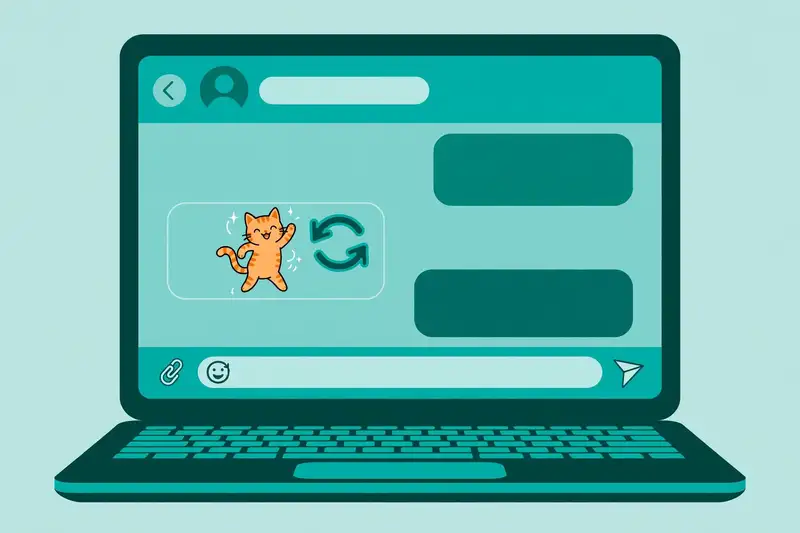
Open a new chat on the web, desktop or mobile app. Describe the GIF you want, or upload a photo and say how it should move. OpenAI’s own demo prompt was “Can you make a GIF of a cat dancing?”
ChatGPT builds the animation and plays it in the chat. Ask for changes in plain words, such as a slower loop or a different background, until it looks right. Then download or share the GIF from the chat.
The whole flow stays inside the conversation, which is the point: no converter app, no timeline editor, no export settings. The ChatGPT new features guide tracks the rest of the chatbot’s toolkit.
Speed and frame controls
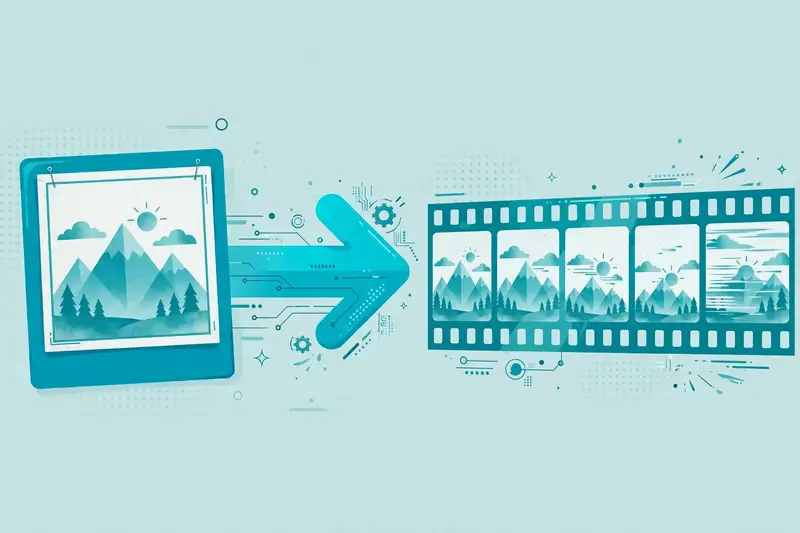
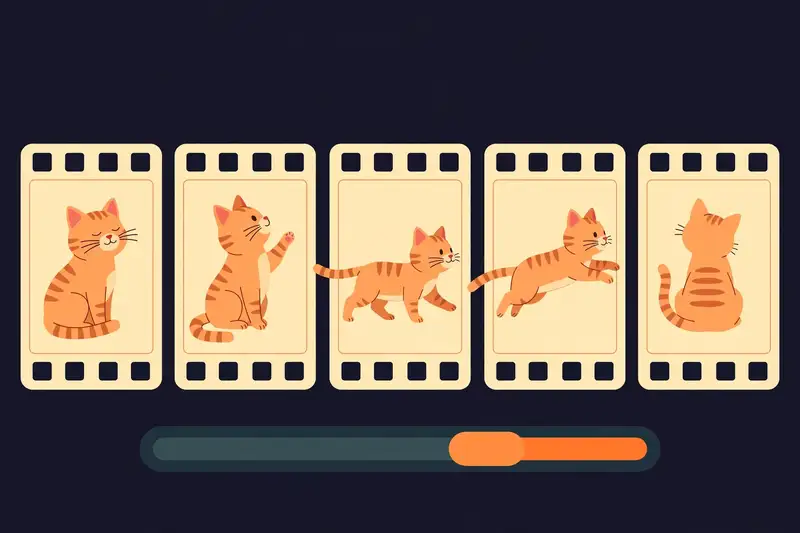
Every GIF opens with controls for timing and frames. You can change how fast the loop plays, look at the animation frame by frame, and edit a single frame instead of starting over. Digital Trends notes the same controls in its coverage of the update.
Short loops are the point. OpenAI’s sample GIF runs nine frames at 200 milliseconds each, a loop of 1.8 seconds. That length suits a reaction, a mascot wave or a product spin, and it keeps file sizes small enough to share anywhere. Our free AI image generators comparison covers other tools if you need longer clips.
What makes a good ChatGPT GIF
Simple motion works best. A cat dancing, a logo pulsing, a product turning on a plain background. One subject, one movement, a clean background.
Busy scenes with several moving parts come out muddled, because each frame has to stay consistent with the last. Reaction GIFs are the easiest win: a face, a gesture, a short loop that reads in two seconds.
Marketers animate a brand mascot for a campaign, sellers make a product photo play on repeat, and anyone can turn a doodle into a moving character. A busy scene falls apart fast. The pattern holds across all three uses: one clear subject, one simple movement, and a background plain enough that nothing competes for attention.
Limits to know before you start
GIFs are short loops, not videos. If you need a 30-second clip with sound, use a video tool instead. Our Sora AI video generator guide covers the longer end of AI video.
The feature is also rolling out in stages. Some accounts do not have the GIF option yet, and those accounts get a still image instead. That is a rollout gap, not a prompt problem. Wait a few days, then try again.
Reports on launch day found the tool missing on some test accounts even while OpenAI said it was available to all users, which is the classic sign of a staged rollout rather than a broken prompt. The AI Career Lab’s guide to ChatGPT GIFs records the same gap and the same advice.
The announced flow starts from a prompt or a still image. Uploading a GIF you already own and asking ChatGPT to edit it is not part of what OpenAI announced. Treat the tool as a GIF maker, not a GIF editor.
GIFs or video: which one fits the job
A GIF fits a reaction, a short product loop, or a social post where autoplay matters. Video fits anything with a story, a voiceover, or motion that lasts more than a few seconds.
ChatGPT’s image tools now cover the short end. For longer AI video, tools like Sora handle the rest, and the best AI tools comparison puts the video options side by side. Gemini takes a different approach to images, as the Gemini vs ChatGPT comparison explains. Students on a free plan should also check the free AI tools for students guide, since most of these tools cost nothing to try.
Frequently asked questions about ChatGPT GIFs
Is making GIFs in ChatGPT free?
The update is rolling out to all ChatGPT users on web, desktop and mobile. OpenAI has not published per-plan GIF limits, so a free account may hit usage caps sooner than a paid one.
How long can a ChatGPT GIF be?
Short loops only. OpenAI’s sample runs nine frames at 200 milliseconds each, about 1.8 seconds. Expect loops of a few seconds, not minutes.
Can I animate a photo of a real person?
OpenAI has said little in public about photo rules for GIFs, and press coverage has already raised deepfake concerns. Treat photos of real people with care, and expect stricter checks there.
Why do I only get a still image instead of a GIF?
Your account probably does not have the GIF option yet. The feature is rolling out in stages, and some accounts saw it days after the announcement. Try again in a few days.
Can I upload my own GIF and edit it in ChatGPT?
The announced feature starts from a text prompt or a still image. Editing an existing GIF is not part of what OpenAI announced.
Do ChatGPT GIFs work on mobile?
GIF creation works on the web, desktop and mobile apps, once the feature reaches your account.