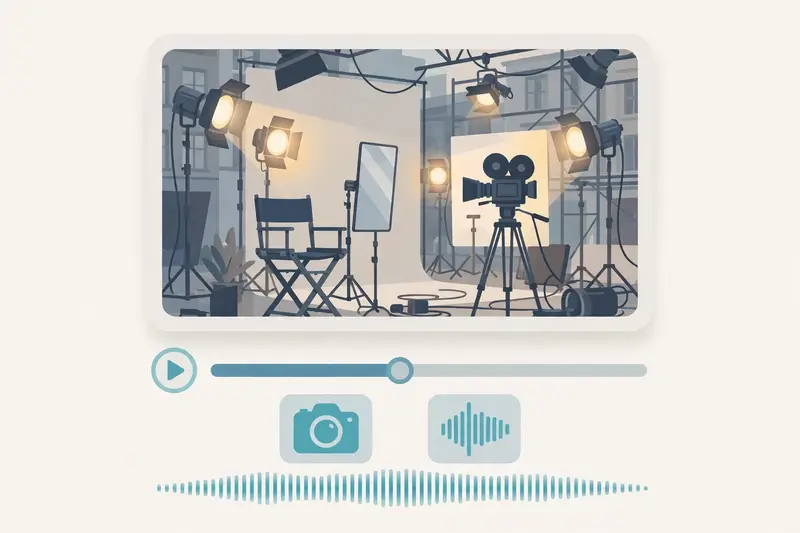
Veo 3.1 is Google DeepMind video generation model that turns a text prompt or a still image into a short video clip with dialogue, sound effects, and ambient audio generated in the same pass.
It arrived on 15 October 2025, alongside Veo 3.1 Fast, in the Gemini app, in Flow, Google AI filmmaking tool, and on the Gemini API and Vertex AI. Veo 3 already had native audio. Veo 3.1 added control: reference images that hold a subject steady, first and last frame generation, and clip extension.
Clips run 4, 6, or 8 seconds at 24 frames per second. Output reaches 720p, 1080p, and 4K on the standard and Fast models, while the cheaper Lite model tops out at 1080p. The 1080p and 4K options need the 8 second length.
What Veo 3.1 does that Veo 3 did not
Ingredients to Video is the feature that changed the work. You supply up to three reference images, a character, an object, a style, or a backdrop, and the model holds them consistent through the clip. That single change made Veo usable for product videos and short stories instead of one off clips.
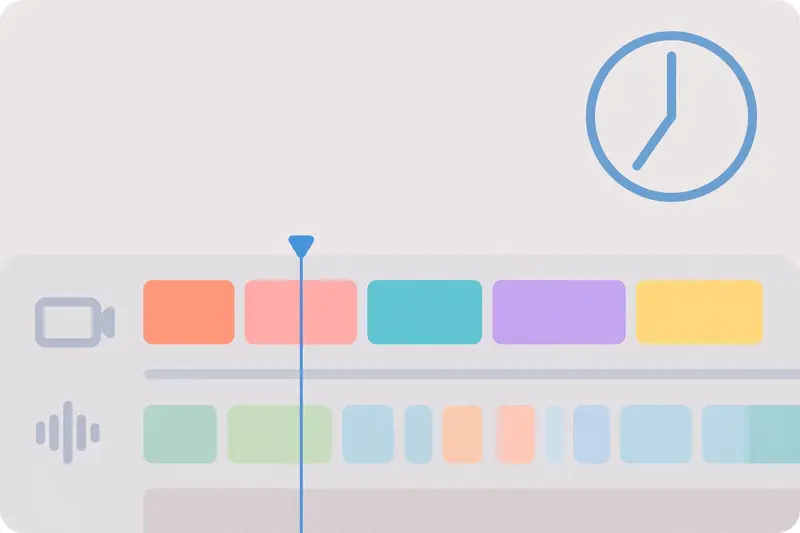
Frames to Video is the second addition. You supply a first frame and a last frame, and the model builds the shot between them.
Scene extension is the third. You extend a clip Veo already made, past the 8 second ceiling, and build a sequence from shots you like. Google Cloud docs list extension as supported on the standard and Fast models, but not on Lite.
Native audio: the part people notice first
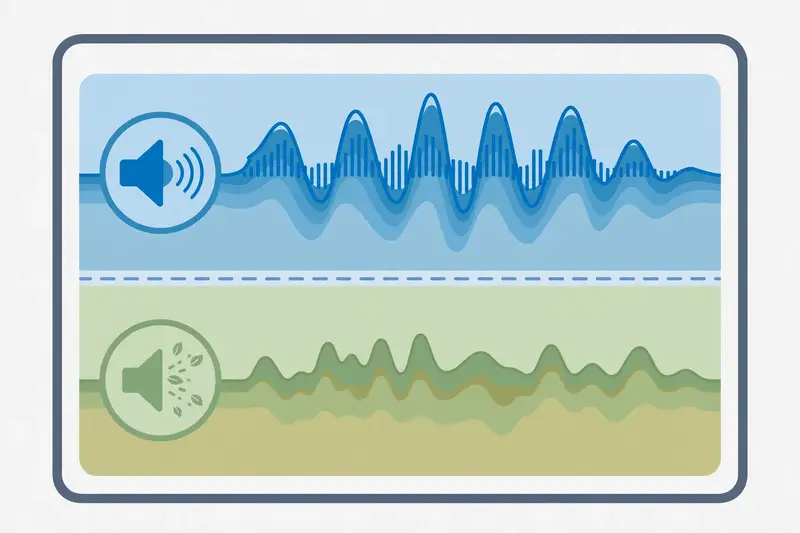
Veo 3 was the first major video model to generate sound with the picture. Veo 3.1 keeps that and sharpens it. Dialogue, ambience, and effects come out in the same pass as the image, and they stay in sync with the action. A door closes when the hand reaches it. A voice matches the lips on screen.
That matters because dubbed audio always shows. A separate sound pass can drift by a fraction of a second, and the viewer feels it even when they cannot name it. Native audio removes that drift.
Veo 3.1 pricing and where to use it
Veo 3.1 lives in three places. The Gemini app offers it to Google AI subscribers with monthly credits. Flow, Google filmmaking tool, offers it with scene building and extension. Developers reach it through the Gemini API and Vertex AI, now part of the Gemini Enterprise Agent Platform.
API pricing, as listed by Google, runs $0.40 per second for the standard model at 720p or 1080p, and $0.60 per second at 4K. An 8 second 1080p clip costs about $3.20. Veo 3.1 Fast costs less, from $0.10 per second, and Veo 3.1 Lite costs less again, from $0.05 per second, with no 4K. Google AI Pro costs $19.99 per month and includes Veo generation with monthly credits. Our Google Gemini update guide tracks the plan changes behind those prices.
Check the current price before you plan a project. Google retired the Veo 3.1 preview models on the Gemini API in October 2026 and pointed developers to the generally available models on its enterprise platform. Google Cloud documents Veo 3.1 with the current model IDs, lengths, and resolutions.
How to write a Veo 3.1 prompt that works
Write the shot, not the story. One clip holds one action, one camera move, and one sound. A paragraph with three characters and two plot twists does not.
Use a reference image when the subject must stay the same. Upload a product photo, a character sketch, or a room, and name it in the prompt. The model holds that subject across shots, which is the difference between a series and a set of strangers.
Pick the length before you prompt. A 4 second clip suits a cutaway. An 8 second clip suits a line of dialogue or a slow camera move.
Generate four versions and keep the best. Veo returns up to four clips per prompt. Watch all four, keep the one with the cleanest motion, and extend that one instead of starting over.

Veo 3.1 vs Sora and the other video models
Sora, from OpenAI, is the closest rival. It generates longer clips and handles complex scenes well, but its web and app experiences closed in 2026, and its API closed in September 2026. That leaves Veo as the steadier choice for a new project today. Our Sora video generator guide explains what Sora offered, and OpenAI lists the current Sora status on its own site.
Kling, Runway, and Pika cover the same ground with different strengths. Kling leads on realistic human motion. Runway leads on editing controls. Pika leads on playful effects for social clips. Veo leads on native audio and reference image consistency.
Limits to plan around
Length is the first limit. A single generation runs 4, 6, or 8 seconds, so plan a video as a set of shots, not as a single take. Consistency is the second limit: reference images help, but a character can still shift between shots, so check every clip before it goes into the final edit.
Cost is the third limit. A full video built from dozens of clips adds up fast at per second pricing. Storyboard the video first and use the Fast or Lite model for tests. Google DeepMind describes Veo and its native audio on its own pages, and Google Cloud lists the current model specs for developers.
Frequently asked questions about Veo 3.1
What is Veo 3.1?
Veo 3.1 is Google DeepMind video generation model. It turns text or images into short video clips with native audio, reference image control, first and last frame generation, and clip extension.
How long are Veo 3.1 videos?
Each generation runs 4, 6, or 8 seconds at 24 frames per second. You can extend a clip to build longer sequences, and Flow users chain extensions into full scenes.
Is Veo 3.1 free?
No, Veo 3.1 needs a Google AI plan in the Gemini app or Flow, or paid API use. Google AI Pro costs $19.99 per month and includes generation credits. API use is priced per second.
What is the difference between Veo 3.1, Fast, and Lite?
Standard is the full quality model with 4K output. Fast is a cheaper, quicker version with the same features. Lite is the cheapest tier, with no 4K and no clip extension. All three generate native audio.
Can Veo 3.1 make a full movie?
Not in one generation. It makes short clips that you extend and edit together. A full video needs storyboarding, many clips, and editing in a tool such as Flow. The free AI image generators comparison covers the image side, the best AI tools comparison places Veo beside the other video tools, and our Google AI Mode guide covers the search side of Google AI.
Does Veo 3.1 watermark its videos?
Every output carries Google invisible SynthID watermark, which marks the clip as AI generated. Visible watermarks depend on the plan and the tool you use. Check the terms of the app or API tier before commercial use.