
To rank in AI Overviews, publish pages that Google can index, show with a snippet, and quote directly, because the AI answer at the top of the results page is built from the same search index and ranking systems as the ordinary results below it.
An AI Overview is the short AI-written summary Google places above the regular results for some questions, with links to the pages it drew from. It does not appear for every search. Google shows one only when its systems judge it adds something beyond classic results.
What AI Overviews are and how they pick sources
A Gemini model built for Search writes the summary, working with the ranking and quality systems behind ordinary results. The system retrieves relevant pages from the index, reads the specific information on them, and composes an answer with clickable links. The retrieval-augmented generation guide explains the technique in plain terms, and the large language model guide covers the kind of model that turns those pages into a summary.
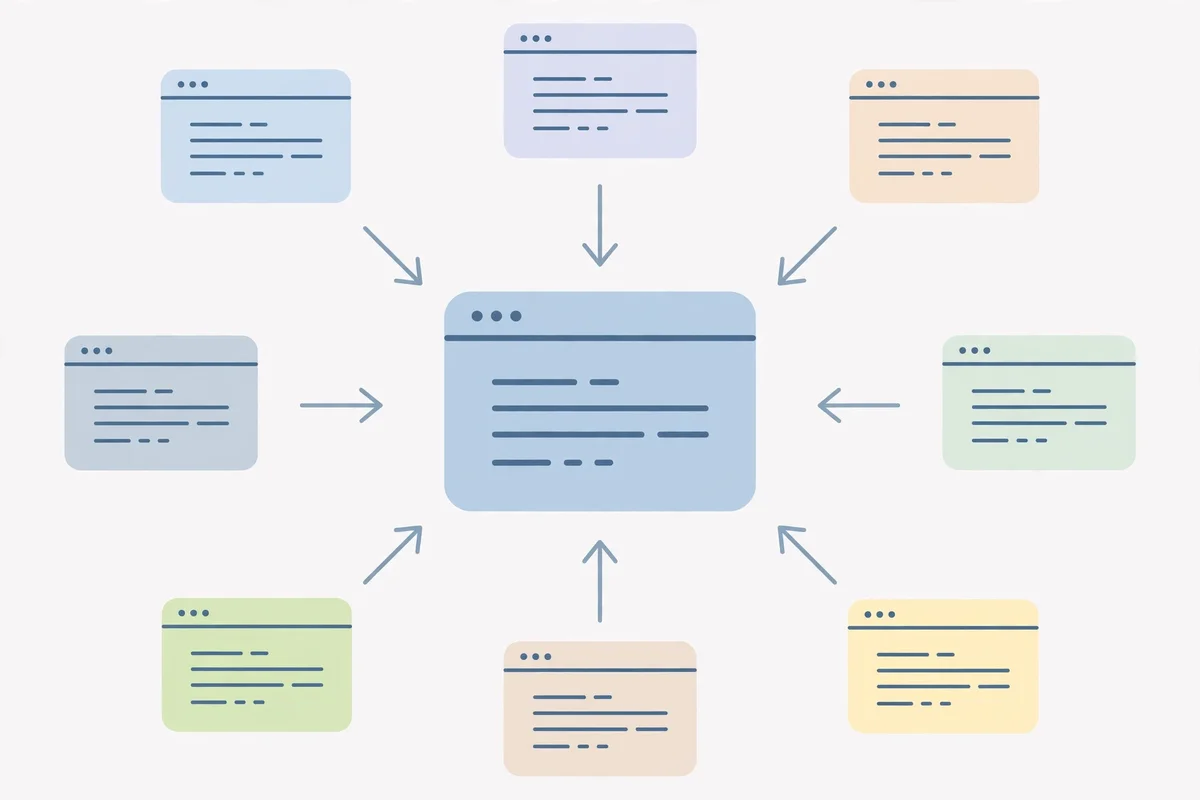
Google also runs a step it calls query fan-out. One question becomes several related searches across subtopics, and each sub-search can surface different pages, so a page that answers a narrow follow-up well can be cited even when it does not rank for the main term. Google’s guide to AI features and your website states the entry rule: a page must be indexed and eligible to appear with a snippet, and there are no additional technical requirements. For background on the model family, see the Gemini 3 guide.
Get the technical basics right
Start with eligibility, because a page Google cannot use will never appear. Confirm the page is indexed and that robots.txt and your hosting setup allow Googlebot to crawl it. Fix crawl errors in Search Console before you touch the copy.
Then check the snippet controls. The nosnippet tag, the data-nosnippet attribute, and max-snippet limits all restrict what Google may show, and Google applies them to AI features too. A nosnippet tag keeps a page’s content out of AI Overviews entirely. Search Console also has a setting for generative AI features, with inclusion as the default, so check it only if someone may have changed it.

Write answers Google can quote
Put the direct answer in the first one to three sentences of the page, and repeat the pattern under each heading. A passage that stands alone is easier to lift into a summary than an idea spread across five paragraphs. Write headings as the questions people type, then answer in the first sentence under each one.
Specifics beat general claims. Numbers, dates, named rules, and short sequences of steps give the model something concrete to cite. Tables work well for comparisons. Cover the follow-up questions too, since each sub-question gets its own search. AI tools can speed up a first draft, and the Writesonic AI guide reviews one such tool, but check every fact yourself before you publish.

Build topical authority and keep pages fresh
One strong page rarely wins alone. Sites that appear again and again cover a topic from several angles, with related pages linked together. Write the supporting pages too: definitions, comparisons, worked examples, and common mistakes.
Google puts unusual weight on content that is not a rewrite of what already exists. Its guide to optimizing for generative AI features says content people find unique, compelling, and useful will likely shape a site’s presence in AI search more than any other suggestion in the guide. First-hand experience is the clearest way to be non-commodity: your own tests, your own photos, and quotes from named people with real credentials. Revisit older pages when facts change, and show who wrote each page with a short author bio.

What does not work
Keyword stuffing does not work. Repeating a phrase until the page reads like a word list will not earn a citation, and it can push the page down in ordinary results too. Google’s spam policies apply to AI features as well as classic results.
The shortcut products do not work either. Google says you need no llms.txt file, no special schema, no content chunking, and no separate AI version of your site, and its systems ignore llms.txt files. Structured data still helps Google understand a page, but only when it matches the visible text. Bought brand mentions can backfire, since inauthentic signals are what quality systems discount. Tactics built for one AI engine rarely transfer to another, and the ChatGPT Search guide explains how one chatbot engine handles live search.

How to tell if you rank in AI Overviews
Search Console is the first place to look. Google provides a Generative AI performance report that shows how often links to your site appeared in AI Overviews and AI Mode, broken down by page, country, device, and date. Google’s announcement of the report explains what it counts. It shows impressions only, with no clicks and no queries, and counts both features together. Clicks from AI features sit inside the main Performance report under the Web search type, mixed with all other web clicks.
The numbers carry a warning worth hearing. In a study of real browsing by 900 US adults, Pew Research Center found that people clicked a traditional result on 8% of visits when an AI summary appeared, against 15% without one, and clicked a link inside the summary on just 1% of visits. A citation is mostly visibility, not traffic. Google disputed the study’s methods, and the data covers one month of browsing, so treat the figures as a rough picture rather than a law. Check your main questions by hand too, since cited sources shift daily, and the best AI tools compared roundup lists trackers that automate the checks. Nothing here guarantees a citation, since Google alone decides which pages appear for each query.

Frequently asked questions about AI Overviews
Can any page rank in AI Overviews?
Any page that is indexed and eligible to show a snippet is eligible to be cited. Eligibility is not a promise, and many queries never trigger an overview at all.
Do you need schema markup to appear?
No special schema exists for AI Overviews, and Google says none is needed. Use structured data that matches the visible content of the page.
Does ranking first guarantee a citation?
No. Top results are cited often, but query fan-out also surfaces pages that answer a sub-question well without ranking for the main term.
How long does it take to appear in AI Overviews?
There is no fixed timeline. A page must be crawled and indexed first, and citations shift as Google re-runs retrieval, so judge a page over weeks rather than days.
Should you write shorter pages for AI Overviews?
Google says there is no ideal page length and no need to chop pages into fragments. Write the length the question needs, with a direct answer at the top of each section.
Do AI Overviews reduce clicks to websites?
Pew Research Center measured fewer clicks when a summary appeared: 8% of visits against 15% without one. Google says visitors from AI features may be more inclined to engage.