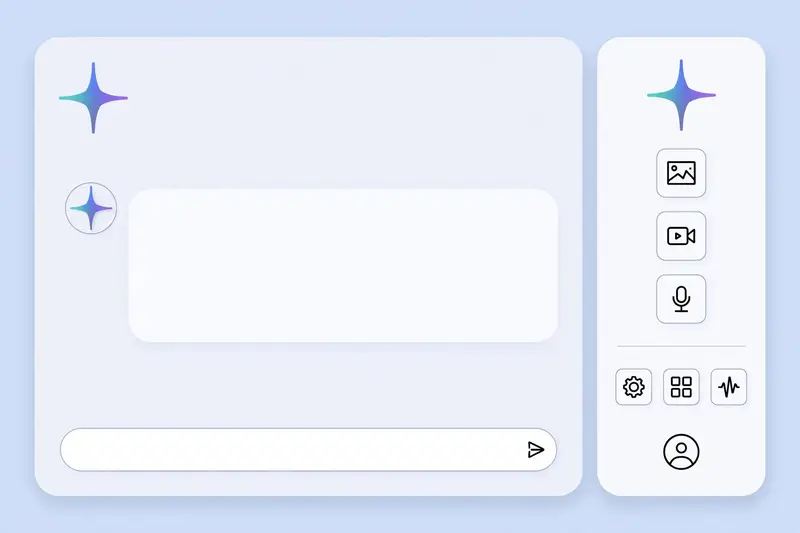
Gemini AI Studio is the browser workspace where you use Gemini models directly: chat, voice, image generation, video, and app building, all behind one Google sign in.
The name causes confusion, so clear it up first. Google calls the product Google AI Studio. Many people search for it as Gemini AI Studio, because Gemini is the model family inside it. Both names point to the same workspace at aistudio.google.com. The workspace matters because Gemini is not one model. It is a family: a flagship model for hard work, Flash models for speed, Live models for voice, and media models for images, video, and music.
What you can do in Gemini AI Studio
Chat is the starting point. You type a prompt, pick a model, and read the answer. System instructions set the tone for the whole chat, so you write the rule once instead of repeating it in every prompt. You can upload text, images, audio, video, and PDFs in the same request.
Live voice is the second mode. Pick a Live model and talk to Gemini in real time. It hears you, answers out loud, and can see your screen when you share it.
Media generation is the third mode. Nano Banana models generate and edit images. Veo models generate short video clips. Gemini voices generate speech. Lyria generates music. Each one sits in the same workspace, so a single idea can move from text to image to video without opening another tool.
Build mode is the fourth. Describe an app in plain language and the agent builds a working prototype.
How to set up Gemini AI Studio in five minutes
Open aistudio.google.com and sign in with a Google account. Nothing installs. The playground opens with a chat box and a model picker. Pick a Flash model first: fast, free to test within limits, and strong enough for most first tries.
Write one system instruction before your first prompt. A line such as “Give short answers in plain English for a beginner” shapes every reply. Skip this step and you will repeat the same correction in every prompt.
Test with a real task, not a toy question. Paste a real email or document and ask for the exact output you need.
Which Gemini model should you pick
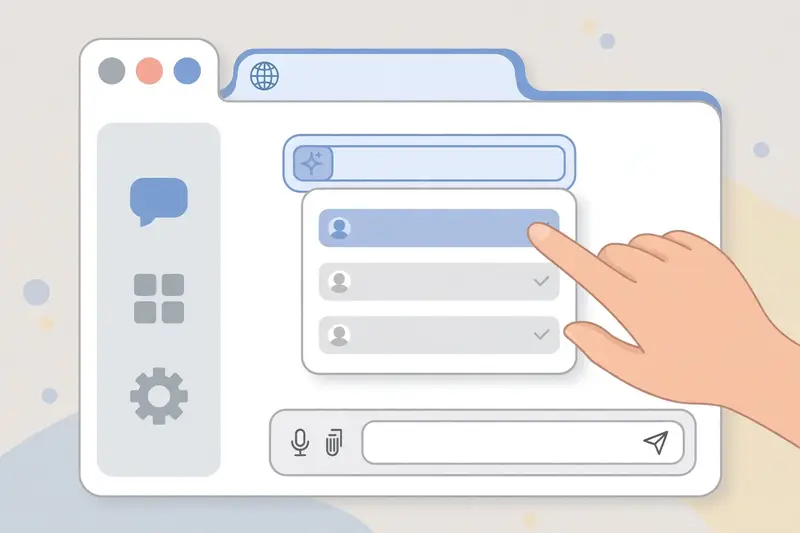
Pick by the job, not by the newest name. The flagship model, Gemini 4 Argon, handles complex coding, maths, and multi step reasoning. It costs more and runs slower, so save it for work where accuracy matters most.
Flash models handle the daily load. Gemini 3.8 Flash balances speed and quality, and the lighter Flash models handle high volume tasks. Start here, and move up only when the answer is not good enough.
Live models handle voice. Pick a Live model when you want to talk, not type. The model hears your voice and answers out loud, and it can follow a conversation without you retyping context.
Media models handle the rest. Nano Banana 2.1 generates and edits images. Veo 3.1 generates video clips. Gemini voices handle speech. Our Google Gemini update guide tracks the lineup, and the Gemini API models page lists what is current and what is retired.
Gemini AI Studio vs the Gemini app
The Gemini app is a chatbot for everyday questions. You open it, ask, and get an answer. Gemini AI Studio is a workbench. You test prompts, compare models, adjust settings, export code, and build apps. The app is for using the model. The studio is for working with the model.
That split shows in the settings. AI Studio exposes system instructions, model choice, and run settings. The app hides most of that. A writer who wants a quick draft uses the app. A developer who wants to ship a feature tests it in the studio first.
The same split applies to cost. The app is free with a Google account, with paid plans for higher limits. The studio is free to test with Flash models, and paid models need billing or a Google AI Pro or Ultra subscription. The Gemini vs ChatGPT comparison covers the chatbot side in detail.
Image, video, and voice inside the studio
Image generation runs on the Nano Banana family. You describe the image, or upload one and ask for an edit. The model keeps the subject consistent across edits, which suits product shots, social images, and mockups. The free AI image generators comparison puts Nano Banana beside the other free image tools.
Video runs on Veo and the newer Gemini Omni Flash video models. You describe a scene or animate a still image, and the model returns a short clip with sound. Clips run a few seconds, so plan each one as a single shot, not a full film. Our Sora video generator guide covers the rival video tool, and the best AI tools comparison places Gemini beside the other major assistants.
Voice runs on Gemini speech models, with more than 150 voices. You can generate a voiceover from text, or talk live with a Live model.
Limits and privacy in Gemini AI Studio
Usage is measured per project, with daily counts resetting at midnight Pacific. Google says free tier content may be used to improve its products, so keep client data and unpublished work out of free tier chats. Google AI Studio links to the current terms from inside the workspace, and the Gemini API pricing page shows what paid models cost per token.

Frequently asked questions about Gemini AI Studio
Is Gemini AI Studio free?
Yes, to test with Flash models within usage limits. Pro models, image and video generation, and higher limits need a paid plan or a linked billing account. Our Google AI Mode guide covers another Google AI surface built on the same models.
Is Gemini AI Studio the same as Google AI Studio?
Yes, Google AI Studio is the official name. Gemini AI Studio is the name many people use for the same workspace, because it runs Gemini models. Both point to aistudio.google.com.
Do I need to code to use Gemini AI Studio?
No, chat, voice, image, and video work need no code. Code only matters when you export a prompt with Get Code or take a Build mode prototype into production.
Which Gemini model is best in AI Studio?
It depends on the job. Flash models suit daily work and high volume tasks. The flagship model suits complex reasoning and coding. Live models suit voice. Test your real task on two models and keep the one that answers best.
Can Gemini AI Studio generate images and video?
Yes, Nano Banana models generate and edit images, Veo models generate short video clips, and Gemini voices handle speech. Google Cloud documents the enterprise route for teams that need those models in production with compliance controls.
Is my data used to train models in Gemini AI Studio?
Google says free tier content may be used to improve its products. Paid and enterprise tiers carry different terms. Keep sensitive or client confidential material out of free tier chats, and read the current terms inside the workspace before you paste private work.