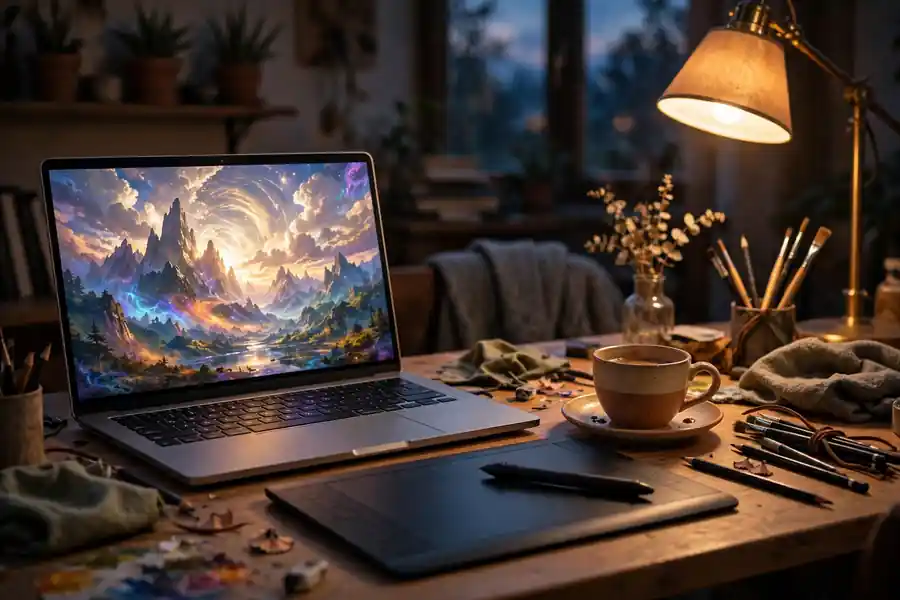
Midjourney AI is a paid image generator that turns a written description into four pictures in about a minute, and the web app on midjourney.com is now the easiest place to use it.
There is no free trial on the website or in Discord, so the first decision is whether the $10 entry plan is worth it. The current default model is V8.2, tuned for aesthetics and image quality. Midjourney runs the whole workflow on its own website now. Discord still works as a second way in.
What Midjourney AI is
You type a description, called a prompt, and Midjourney returns four images that each read the same words a little differently. Pick the closest match and refine it, or start over with sharper wording.
The tool suits concept art, moodboards, book covers, and product mockups. It struggles where control must be exact, like fixed lettering or labeled diagrams.
Versions change often. Midjourney’s version docs name V8.2 as the current default. The Gemini 3 guide covers a general model that handles images among other jobs.
How to start on the web app
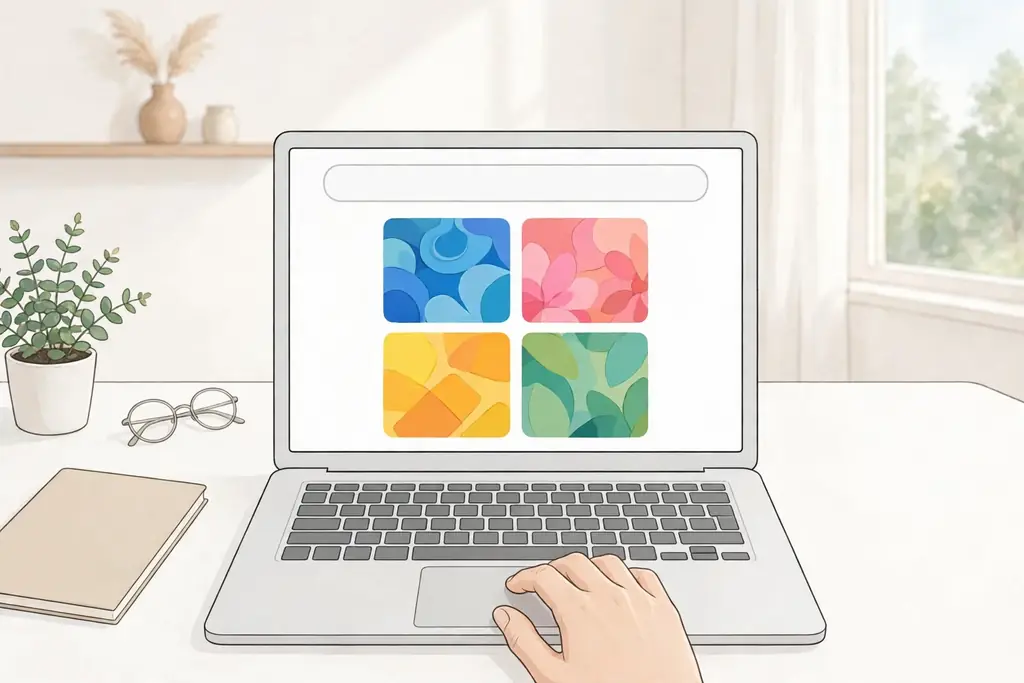
Sign in at midjourney.com and pick a plan first. The Create page holds the Imagine bar, where every prompt goes. Type a description and press Enter, and the grid appears in roughly 30 to 60 seconds on Fast mode.
Discord still works: join the Midjourney server, find a bot channel, and type /imagine with your description. Start on the website, where the buttons are labeled and past work sits in one gallery.
Upscale the best image for a larger, cleaner version, then make variations from it. In Discord the buttons read U1 to U4 and V1 to V4; the web app uses plain Upscale and Vary buttons.

How to write a prompt that works
Start with the subject, then add the setting and the light, then name a style or a camera approach. Parameters go at the very end. The one parameter every beginner needs is –ar, which sets the shape of the image.
Try this first: “a ceramic mug on a wooden table, morning light, minimalist photography –ar 4:5”. It is short on purpose.
Light and depth change a result: “a golden retriever sitting in a field of sunflowers, warm afternoon light, shallow depth of field –ar 16:9”.
For mood: “a cozy cabin in a snowy forest at sunset, smoke from the chimney, cinematic light –ar 3:2”.
Short prompts beat long ones while you learn, and changing one thing at a time shows what each change does. A chatbot can draft a first prompt, and the ChatGPT models guide explains which model to pick for that job.

Pricing and plans, in plain terms
Midjourney sells Fast GPU time, not a fixed number of pictures. A four-image grid costs about one Fast minute. Standard and above add unlimited Relax mode, a slower queue that spares the Fast allowance.
Basic costs $10 a month and includes 3.3 Fast hours, with no Relax mode. Standard costs $30 a month for 15 Fast hours plus unlimited Relax images. Pro costs $60 for 30 Fast hours, and Mega costs $120 for 60.
Yearly billing cuts each plan by 20 percent, to $96, $288, $576, and $1,152. Whizi read these figures from Midjourney’s plan comparison in early November, and extra Fast time costs $4 an hour on every plan.
The 200 Fast minutes last a while if you vary grids you like instead of starting fresh. If $10 is a blocker, the free AI tools for students roundup lists no-cost tools for other jobs. Prices change, so confirm the plan page before you pay.

Video and editing tools
Midjourney also animates still images. The V1 Video Model takes one image and turns it into a clip. Press Animate under any image, pick Auto or Manual, then set the motion level.
Clips start at 5 seconds and extend by 4 seconds, up to four times, to 21 seconds. Standard definition is 480p on every plan, while high definition at 720p runs on Standard and above in Fast mode. Clips carry no sound.
The Edit Model handles changes to a finished image from written instructions and up to four reference images. On the current versions it takes over from Omni Reference, while Character Reference and the Retexture tool went the same way. The Sora AI video generator guide covers a tool that starts from a text prompt instead of a still image, if that workflow suits your project better.

What stays public and what it gets wrong
Every image you make is public by default. Other members can find your work, prompts included, on the Explore page. Stealth Mode hides your generations, but only Pro and Mega include it, so privacy costs at least $60 a month. Do not generate client work on Basic or Standard and expect it to stay quiet.
Any paid plan carries General Commercial Terms, so you can sell what you make. Companies with more than $1 million in gross revenue a year must use Pro or Mega. Photta checked these terms against Midjourney’s docs in mid-November. Stealth Mode stays a best-effort promise under the terms, so read the current wording on the plan page before you trust it with client work.
Text inside images is still the weak spot. A short word in quotes can render cleanly, while a full sentence usually comes out garbled. Check hands and faces at full size before you publish, and if the job needs exact wording, add the words in an editor afterward.
The images are strong and the workflow is fast. The DeepSeek AI guide covers a text chatbot that works a different way, and the best AI tools compared puts Midjourney in a wider field.

Frequently asked questions about Midjourney AI
What is Midjourney AI?
Midjourney AI is a paid image generator that turns written prompts into pictures. Each prompt returns four images to upscale, vary, or animate.
Is Midjourney AI free?
No. The free trial ended in 2023. The website and Discord both need a paid plan. A limited trial exists in the niji journey mobile app, which uses the anime-tuned niji model.
How much does Midjourney AI cost?
Basic is $10 a month, Standard $30, Pro $60, and Mega $120. Yearly billing cuts each plan by 20 percent, and extra Fast time costs $4 an hour.
Do I need Discord to use Midjourney?
No. The web app at midjourney.com is the main way in, though Discord still works through the /imagine command for people who prefer it.
Can I sell images I make with Midjourney?
Yes, on any paid plan, under the General Commercial Terms. Companies over $1 million in gross revenue a year must use Pro or Mega, and images stay public unless Stealth Mode is on.
Can Midjourney make videos?
Yes, from a still image. The V1 Video Model animates one image into a 5-second clip, extendable to 21 seconds, with no sound.