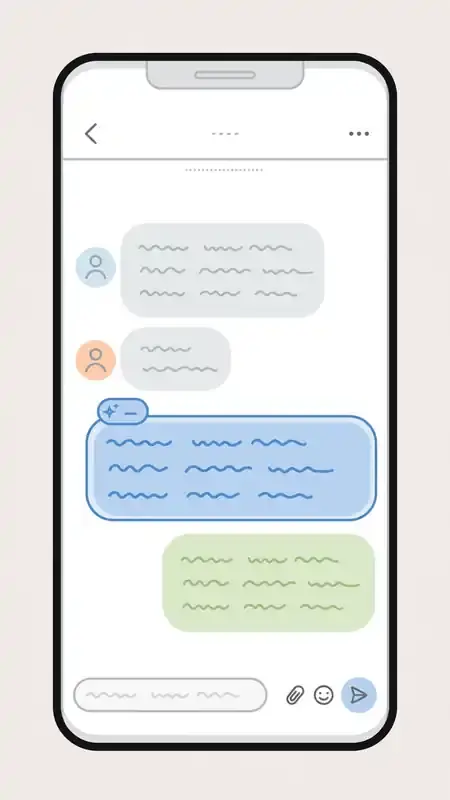
The WhatsApp AI chatbot is Meta AI, an assistant that lives inside the WhatsApp app. It answers questions in text or voice, writes and rewrites text, creates images from a written description, translates messages, and summarizes conversations. You open it like any other chat, there is nothing extra to install, and it can also be mentioned inside group chats when everyone wants an answer.
What Meta AI can do inside WhatsApp
Meta AI is built on Meta’s Llama models. In a private chat you message it the way you would message a contact, and it replies directly. You can ask everyday questions, ask it to explain a topic, draft a reply, or rewrite something you wrote. It also works with photos: send it a picture and ask what is in it, or describe an image you want and it will generate one with the “imagine” prompt. Recent versions of WhatsApp also let you edit a photo with Meta AI before you send it, for example changing the style or removing an object from the frame.
Voice is supported too. You can speak to Meta AI instead of typing, and it can read its answers back to you. For anyone who uses WhatsApp for work, the drafting side is practical: asking it to shorten a long message, fix the tone of a reply, or write a caption for a status update.
In group chats, Meta AI joins in when someone tags it. Type @Meta AI followed by your question, and its answer appears in the group for everyone to see. You can also forward any message from another chat to Meta AI to get its take. Availability of these features depends on your country and your app version, since Meta rolls them out in stages.
How to open the WhatsApp AI chatbot
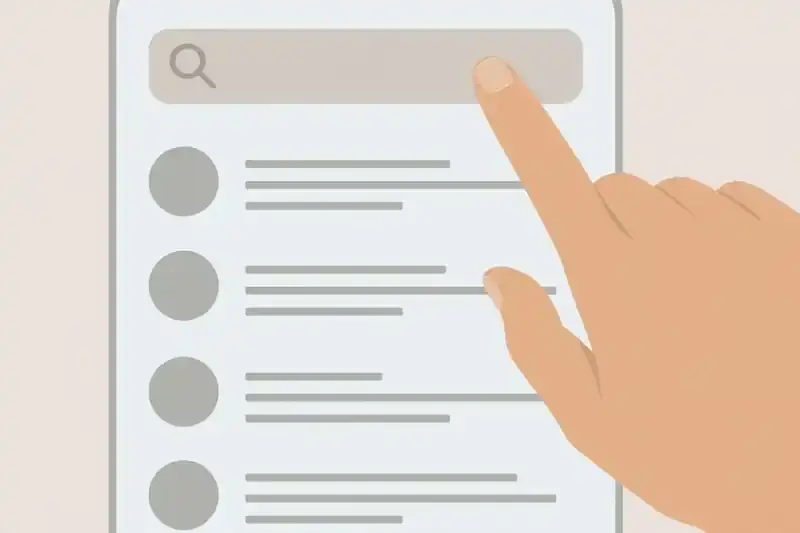
First update WhatsApp to the latest version from your app store. If Meta AI has reached your region, you will see a blue-purple circle icon near the top of the Chats tab. Tap it to open the chat and accept the terms on first use. If you do not see the icon, open the search bar in the chat list and type “Meta AI”. On WhatsApp Web and the desktop apps the same option appears in the chat list once the feature is switched on for your account.
Everything is free to use with no subscription. There is no separate app to download, which is the main reason it has spread quickly: the assistant sits where people already chat every day.
Privacy: what happens to your messages
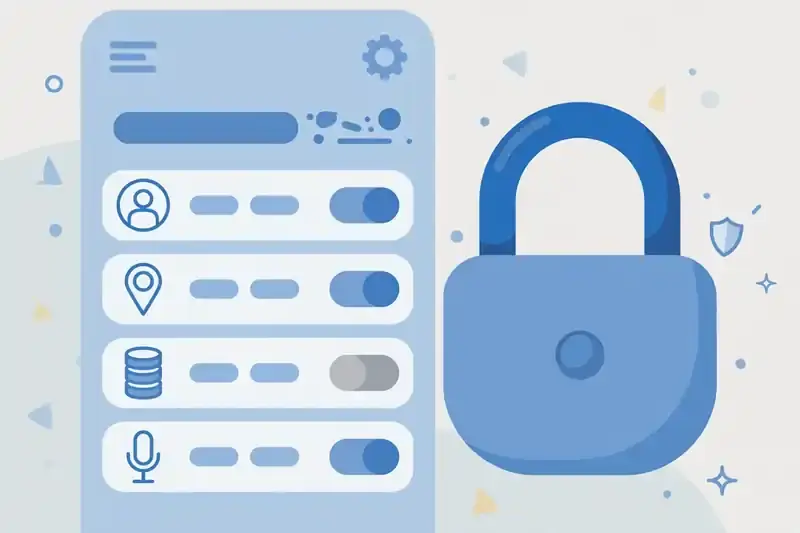
This is the part worth understanding before you share anything personal. Your ordinary chats with contacts and all voice and video calls stay end-to-end encrypted. That protection does not cover messages you send to Meta AI. Those messages go to Meta for processing, because the AI has to read your text to generate a reply. WhatsApp’s help pages say Meta may use your prompts, the messages you share, and your feedback to improve AI quality.
There is a control for this. Go to Settings, then Privacy, then Manage AI-related data, where you can see the options Meta offers for your AI interactions. A separate Incognito Chat mode arrived in mid 2026: you long-press the Meta AI chat and choose Incognito Chat, and Meta says that session is not stored and not used for training. If you want to discuss anything sensitive, that is the mode to use.
The simple rule is to treat Meta AI like email rather than a private chat. Avoid passwords, bank details, and confidential company information in any AI chat, incognito or not.
Third-party chatbots on WhatsApp
The rules for chatbots on WhatsApp changed in early 2026. WhatsApp stopped allowing outside general-purpose chatbots on its business platform, so ChatGPT, Copilot, and Perplexity left the app that January. Meta’s own assistant was not affected, since Meta owns WhatsApp.
Task-specific chatbots built by businesses still operate on WhatsApp. These are not open assistants: they are support and sales bots that companies build on the WhatsApp Business API or through chatbot builders such as Kommunicate, and they answer only questions about that business. Meta also ships its own business tools: Business AI in the WhatsApp Business app for small businesses, and the Meta Business Agent announced in mid 2026, which answers customer questions, recommends products, books appointments, and qualifies leads for the companies that run it. So the WhatsApp you use has one general assistant (Meta AI) plus narrow bots run by individual businesses, each staying in its own lane.
Limits worth knowing
Meta AI has a training cutoff, so it is weak on breaking news and live scores. It can also be wrong in the confident way all AI models are, so check important facts, prices, medical details, and legal answers against a reliable source. Like every AI assistant, it reads the context you give it and nothing more: long pasted documents work, but it cannot browse your phone or your other chats.
If the Meta AI icon is missing on your phone while friends already have it, the cause is almost always one of two things: your app version is old, or the feature has not reached your country yet. Updating and waiting is the only fix; there is no official way to force it on.
The WhatsApp AI chatbot is worth trying for exactly the tasks where you already have the app open: a quick explanation, a rewritten message, a generated image, a translation. For anything that needs strong privacy or verified facts, use the incognito mode or step outside the chat. Details on availability and data handling are published on WhatsApp’s official site, the WhatsApp help center, and Meta’s newsroom.