Google Gemini is Google’s AI assistant, and every few weeks it gets better. A “Gemini update” can mean one of three things: a smarter model under the hood, new features in the app, or new integrations with the apps you already use. Each kind of update changes what Gemini can do, and each reaches you in a different way. This guide explains how the updates work, what the current version offers, and how to make sure you are seeing the newest version.
Where Gemini lives
Gemini is not just one chatbot on one website. It runs inside the Gemini app on Android and iOS, on the web at gemini.google, and as a desktop app for Windows and macOS. It also sits inside the tools many people use every day: Gmail, Docs, Sheets, Drive, and Android itself. Updates touch all of these places, but not always at the same time. A new model might appear in the app first and reach Workspace tools later, so if two people see slightly different abilities, that is usually why.
How model updates roll out
Google replaces Gemini’s underlying models in waves. The strongest new models go to a small group first, often developers and vetted partners, then open up to paying subscribers, and finally reach the free app. This staged rollout is deliberate. It lets Google check for problems and safety issues before a model reaches hundreds of millions of people.
The most recent wave brought the Gemini 4 family. Google announced Gemini 4 Argon, a frontier model built for long, complex work like software engineering, financial analysis, legal research, and cybersecurity defense. Argon supports an unusually long output window of one million tokens, which lets it keep working on tasks that span documents, code, and data without losing track. At launch it was restricted to trusted cybersecurity defenders through Google’s Fairwind program; within weeks it became available to Google AI Pro and Ultra subscribers in the Gemini app and AI Mode in Search, and to developers through the Gemini API. A second model, Gemini 4 Carbon, was announced shortly after with an even sharper focus on multi-day coding work and cyber defense, and it started out available only to a subset of vetted defenders.
Not every model is aimed at paying users. The everyday model most people actually talk to is a Flash model, currently Gemini 3.8 Flash, which Google positions as its most intelligent Flash model for fast, capable responses. Flash models handle text, images, video, audio, and PDFs, and they support the features described below. When you read that “Gemini got smarter,” it usually means the model behind your account was quietly swapped for a newer one.
What the current version can do
Model upgrades are only half the story. The app itself keeps gaining abilities, and these matter more for daily use than benchmark scores.
Search grounding keeps answers tied to the live web. Gemini can check Google Search before answering, which reduces stale answers and adds links to sources. Long context means it can read long documents and videos without choking. Google’s agentic video understanding searches through long videos on its own rather than processing every frame, which cuts the compute cost sharply.
Deep Research turns Gemini into a research assistant. You give it a topic, it searches the web, reads sources (including your own Gmail, Drive, and NotebookLM notebooks where supported), and returns a structured report. Canvas is an interactive workspace inside Gemini where you and the AI collaborate on documents and code rather than swapping plain chat messages. Audio Overview generates a podcast-style spoken discussion from documents, slides, or Deep Research reports.
Voice conversations run through Gemini Live, the real-time mode where you talk instead of type. Google released stronger Live models that can reason while speaking, read visual context from your camera, and keep working on background tasks while the conversation continues. A related text-to-speech lineup produces more natural voices.
Image generation moved forward too. Google’s image models, known by the codename Nano Banana, generate and edit images conversationally inside Gemini, with better handling of text rendered inside images.
Connected Apps is one of the most practical updates. Gemini now links to more than 40 third-party apps, including Instacart, OpenTable, Adobe, and Shopify, so you can order groceries, book a table, or work on design tasks without leaving the chat. There is also a tasks mode that switches Gemini from answering questions to carrying out a job across your connected apps.
A related enterprise feature pairs live conversation with an AI-generated visual character for customer service and guided walkthroughs.
Which plan gets what
Gemini is free, and Google also sells paid tiers. The free app gives you a fast model and most core features. Google AI Pro and Google AI Ultra subscribers get the strongest models, including the newest frontier releases, higher usage limits, and features like Deep Think that make the model spend more effort on hard problems. New models almost always land on the paid tiers first and trickle down later, so the plan you pay for decides how soon you see each update. Model limits have also been tightened on the free side over time, with lighter models reserved for free users.
The free tier covers everyday questions and summaries; long research projects and heavy coding sessions are where the paid tiers earn their keep.
Privacy and data controls
Updates keep changing what Gemini can access, so it is worth knowing where the controls live. The Gemini Apps Privacy Hub explains what data Gemini collects from your prompts, uploads, connected apps, and device sessions, and it holds the settings that limit how long your activity is kept. Check the privacy hub whenever a major update adds a new connection to your apps, because new access sometimes arrives with defaults you did not choose.
How to stay on the newest version
Most updates install themselves, but a few things are worth doing. First, check the model picker in the app or on the web; it shows which model you are currently using and whether your plan offers something stronger. Second, keep the app updated from your phone’s app store, since features like Connected Apps and the desktop-style sidebar often ship through app updates rather than model changes. Third, watch Google’s official model announcements and the Keyword blog, which say exactly who each update is for. For day-to-day questions, the Gemini help pages document which features have reached your platform and plan.
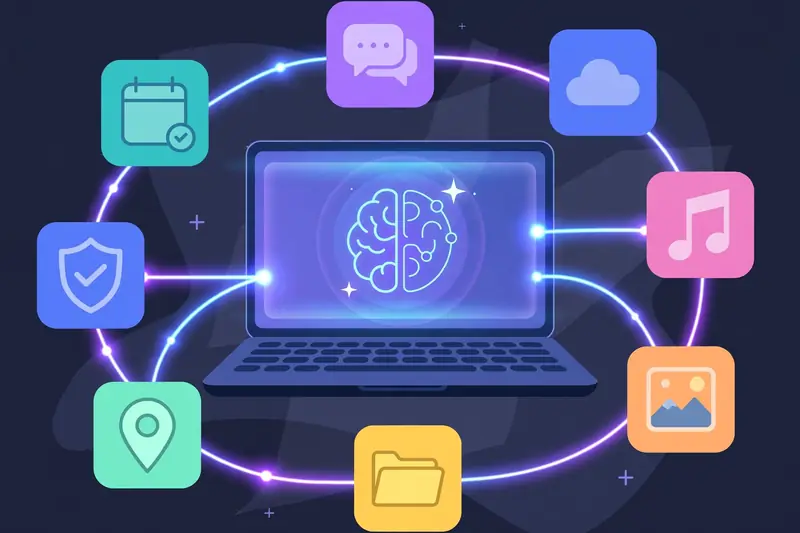
The pattern to remember is simple. Models get stronger, features spread across the app and Workspace, and integrations connect Gemini to more of your digital life. The free tier keeps pace on everyday features, while the frontier models and the heaviest lifting go to paying subscribers first. If you check the model picker and the privacy controls after each major update, you will get the most out of whatever version you have.