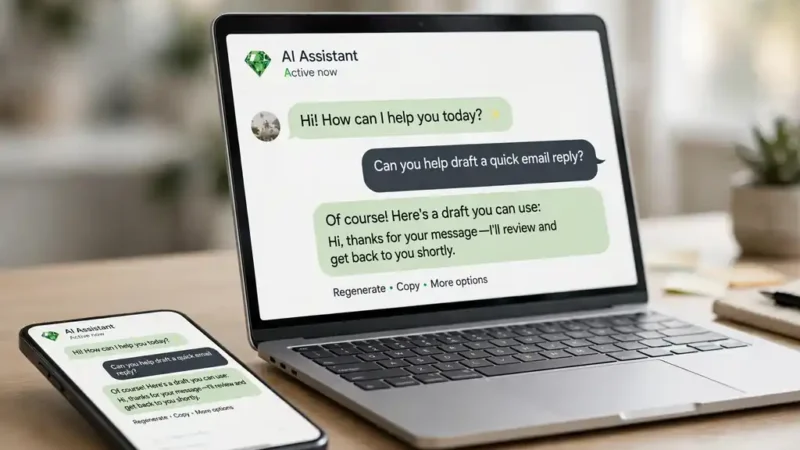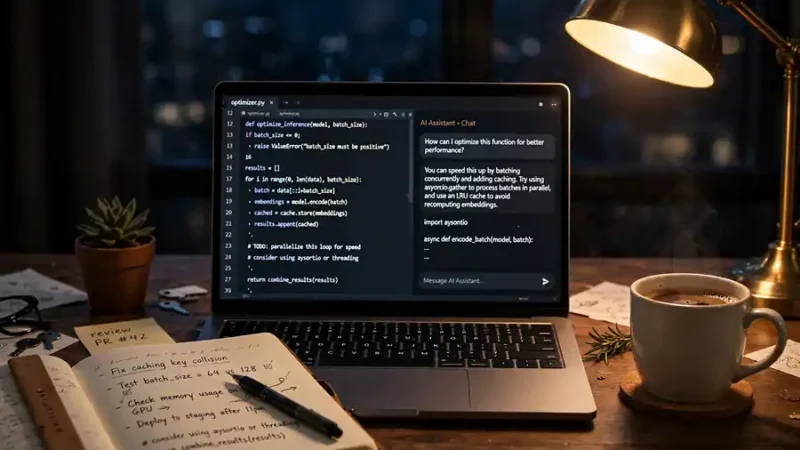
To use AI, open a chatbot such as ChatGPT or Gemini, type a clear request in plain language, and check the answer against a trusted source before you act on it.
That is the whole skill in one sentence. The rest is practice. AI tools answer questions, draft text, summarize long pages, and plan your week. You need no coding skill and no paid plan to start. Most people get weak results because they write vague prompts and trust the first answer without a check. Fix those two habits and the tool starts to pay off fast.
What AI can actually do for you
AI chatbots handle four everyday jobs well: writing, research, planning, and explaining hard ideas. Ask one to draft an email, summarize a ten-page report, build a study schedule, or explain how interest works in simple words. Each job takes one prompt and under a minute. The output is a draft, not a finished product. You still edit it and check the facts.
Chatbots also work inside the tools you already use. Google puts its AI inside Search and Gmail, and Microsoft puts Copilot inside Word and Outlook. TechCrunch covered the US rollout of Google AI Mode and the shopping and research features that came with it. You can start with the free chatbot on the web and move to these built-in versions later, when a task repeats every day. The best AI tools comparison puts the main chatbots side by side so you can pick one that fits your work.
Pick the right tool for the job
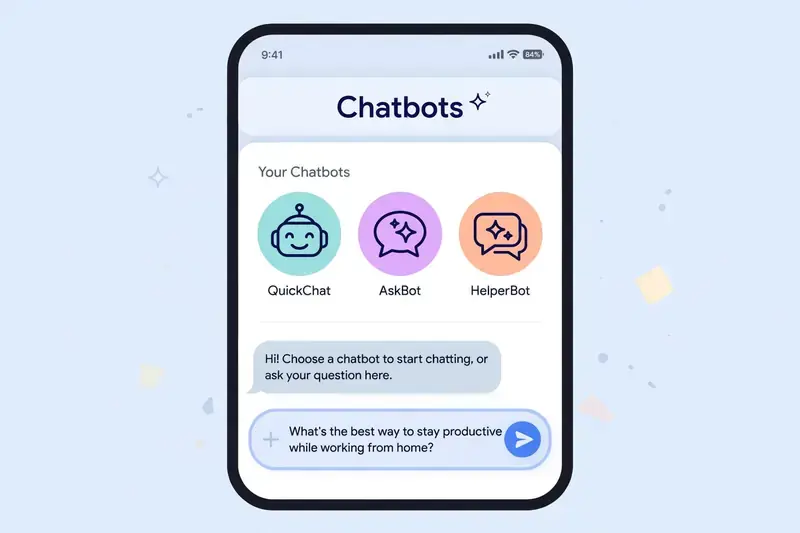
ChatGPT is the most common starting point. You can try it without an account at chatgpt.com, and an account saves your chats and turns on file uploads and memory. Gemini is the natural pick if you live in Google apps, since it reads your Gmail and Drive files when you allow it. Claude suits long documents and careful rewriting. Each one is free at the basic level, so try two of them for a week and keep the one whose answers you trust more.
Search tools differ from chatbots. Our Google AI Mode guide explains how Google’s conversational search mode researches a question across many pages and answers with citations. Google’s own AI Mode help page describes the same process: split the question, search the parts at the same time, then bring the results together. Use search mode for research and chatbots for drafting. Mixing them up is the most common beginner mistake: a chatbot invents sources, while a search tool shows them.
How to write a prompt that works
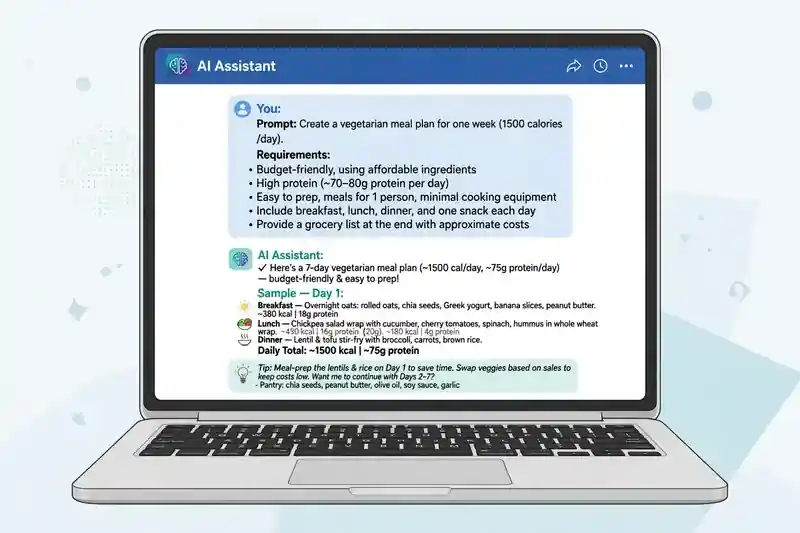
A good prompt names the task, the audience, and the format. “Write an email” gives you a generic email. “Write a polite email to my landlord asking for a repair, under 120 words, in a firm but friendly tone” gives you something you can send after one edit.
Give the AI something to work with. Paste the text you want summarized, the numbers you want explained, or the notes you want turned into a plan. A chatbot with no material guesses. A chatbot with your material works from facts. Tell it the length you want and the parts to leave out. Then ask it to show its steps when the answer involves math or logic, so you can spot a wrong turn.
One more habit helps more than any trick. Ask a follow-up. “Make it shorter.” “Explain the second point with an example.” Short back-and-forth beats one long perfect prompt, because each reply narrows the result toward what you actually wanted.
A simple first-week routine
Day one, use AI for one small real task: an email, a summary, or a list of ideas. Day two, try a second job, such as planning a meal or a study session. By day three, build a habit around your most repeated task. If you write the same kind of message every day, save a prompt that works and reuse it. The ChatGPT new features guide covers saved prompts and memory, which make repeat tasks faster.
Keep a short note of what worked: the prompt, the result, and one line about what you changed. After a week you will have five or six prompts you trust, and that small library is worth more than any course.
Mistakes that waste your time
Trusting the first answer is the big one. AI tools state wrong facts with total confidence, and they invent quotes, links, and statistics when they do not know the answer. Check names, dates, prices, and anything you will publish or send to a client. AI Mode is now free in more than 200 countries, and Search Engine Land covered that global rollout as it happened. The Gemini vs ChatGPT comparison explains how the two main chatbots differ in accuracy and web access.
Pasting private data is the second mistake. Never paste passwords, bank details, medical records, or a client’s private files into a free chatbot. Read the privacy settings before you upload a document, and turn off chat history or training use where the tool allows it.
The third mistake is asking AI to do a job that needs a human. It can draft a condolence note, but it cannot feel the loss. Use it for the draft, then put your own voice and facts in.
Staying safe with AI
Treat AI output the way you treat a tip from a stranger: useful, but worth a check. For health, legal, or money questions, confirm the answer with a professional or an official source. AI can explain a tax rule, but it cannot take responsibility for your return.

Watch for fake AI tools too. Only download chatbots from the official site or the official app store, and check that the developer name is OpenAI or Google. A clone app can steal your login or charge you for a free product.
Frequently asked questions about how to use AI
Is AI free to use?
Most chatbots have a free plan with daily limits. ChatGPT, Gemini, and Claude all let you chat for free, and paid plans add stronger models, higher limits, and extra features such as file uploads and deep research.
Do I need to install anything to use AI?
You do not need to install anything. Open a chatbot in your browser and start typing. Apps exist for phones, and they sync your chats, but the web version does the same work.
Can AI replace Google Search?
AI chatbots cannot replace Google Search. They answer from training data and can get facts wrong. Search shows you live pages and sources. Use AI for drafting and explaining, and search for current facts, prices, and news.
Is it safe to paste my work into an AI chatbot?
It is safe for ordinary drafts, but avoid passwords, bank details, medical records, and other people’s private data. Check the tool’s privacy settings first.
What is the best AI tool for a beginner?
ChatGPT is the easiest starting point because it is free, works in a browser, and handles writing, explaining, and planning. The Claude vs ChatGPT comparison helps if you want a second option for long documents.