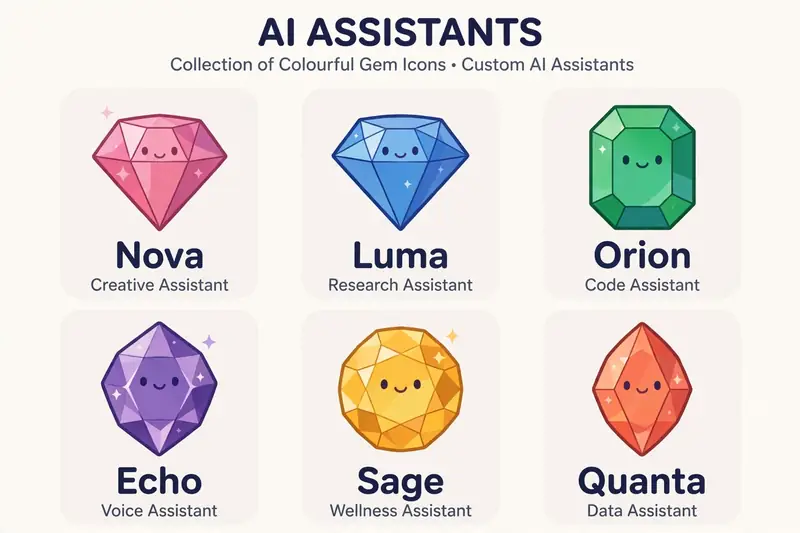
Gemini Gems were custom versions of Gemini that you could train for one job, and Google is converting them into skills from 17 November for personal accounts.
A Gem was a simple idea. Instead of repeating the same instructions in every chat, you saved them once under a name, and Gemini followed them each time you opened that Gem. A running coach Gem knew your pace and your goals. An editor Gem knew your style rules. Google launched Gems in 2024, and two years later it is retiring the format in favour of something more flexible.
What Gemini Gems were
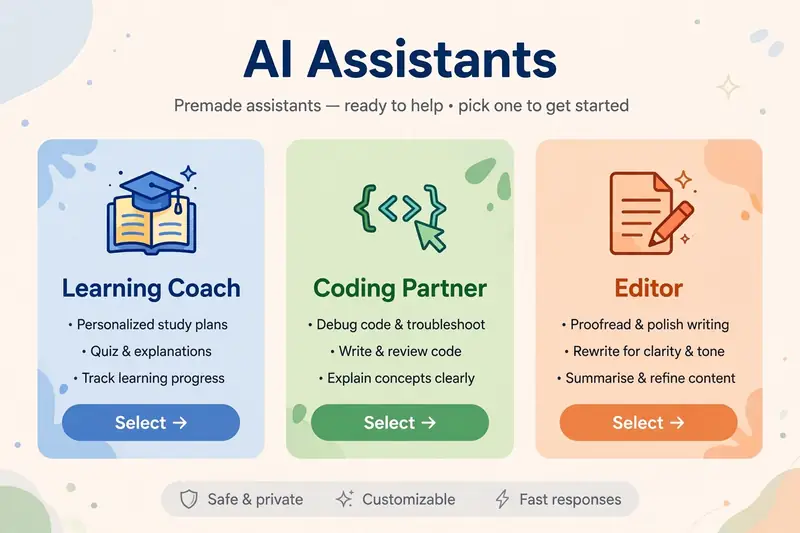
Gems let users save instructions, files and default tools as a named assistant. Google shipped premade Gems for common jobs: a learning coach, a brainstorming assistant, a career guide, a coding partner and an editor. Users could also build their own, such as a running coach, a nutritionist or a vacation planner, and share a Gem with others through a link.
The point was repetition. A Gem remembered the setup so you did not have to type it again. That saved time for anyone who used Gemini for the same task every week. The setup lived in the Gemini app, and you picked a Gem from the navigation before starting a chat.
Why Google is retiring Gems
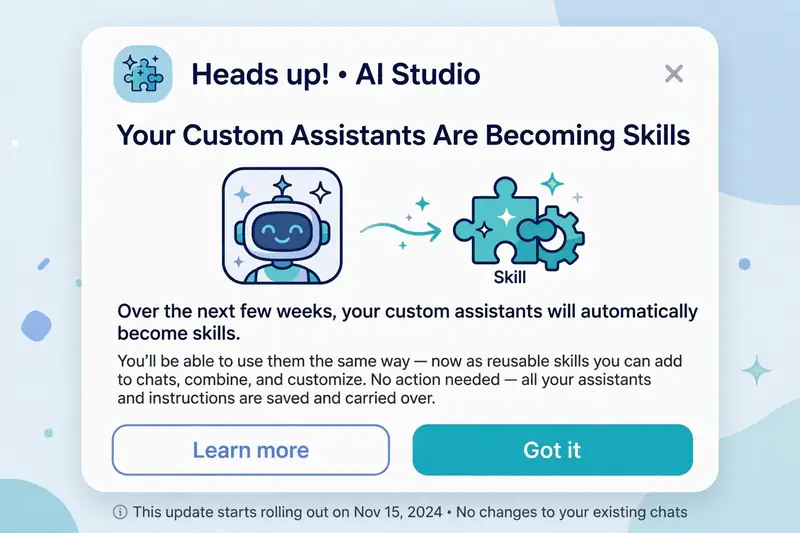
Google announced the change through a message in the Gemini app, first reported by 9to5Google and then covered by TechCrunch on 28 September. Gems will become skills starting on 17 November. The company said it will migrate Gems to the new format automatically, so users will not have to do anything to make the transition. Gems stay usable until then.
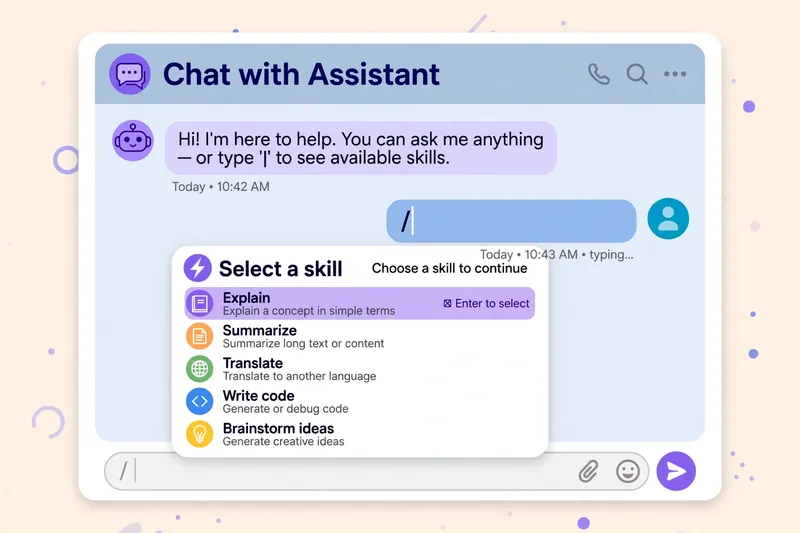
Skills work differently. A skill is a set of reusable custom instructions that can be used across different AI tasks, instead of a standalone assistant you open first. You invoke a skill inside a task thread by typing a forward slash and selecting the one you want. Google is betting that instructions you can call up anywhere are more useful than assistants you have to open one at a time.
The schedule differs by account type. Personal Google accounts convert from 17 November. Workspace business, enterprise and nonprofit accounts follow in March, and Workspace education accounts in June. TechCrunch covered the shutdown and the migration in detail.
What happens to your Gems
Google says existing Gems will be recreated as skills automatically when Gems go away, and supported knowledge files will carry over. GitHub files are not supported in skills, so anything stored that way will not transfer. Only 100 skills can be active at a time, and skills do not work with Canvas, Deep Research, guided learning, video or music creation, or most default Gems tools.
Opal, Google experiment for building mini apps, and Gems by Google Labs shut down at the same time in November. If you built something in Opal, save the instructions now. Check your Gems before 17 November, note which ones you actually use, and copy the instructions of any Gem that holds files or a long setup. Automatic migration is convenient, but a backup costs nothing. Google support pages list the migration schedule by account type.
How to use skills after the change
Skills appear inside a task thread. Type a forward slash, pick the skill, and keep working in the same chat. The skill applies its saved instructions to that task, then steps aside. That is the main difference from Gems: you no longer switch assistants, you summon instructions inside the work you are already doing. The best AI tools comparison ranks the assistants that offer the same kind of custom setup. ChatGPT custom GPTs work the same way, and the ChatGPT new features guide explains them.
Google AI Pro and AI Ultra subscribers can create skills from the Gemini Spark tab, according to 9to5Google. Free users should watch for Google confirmation on whether they can create skills or only use migrated ones. The Gemini app shows the current options on your account. Custom GPTs in ChatGPT offer a similar idea on the rival platform. Our Google Gemini update guide tracks the rollout, the Gemini vs ChatGPT comparison covers the wider rivalry, and the Gemini news roundup covers the wider changes landing at the same time.
Frequently asked questions about Gemini Gems
What are Gemini Gems?
Gems were custom AI assistants inside the Gemini app, built by saving instructions, files and tools under a name, so Gemini followed the same setup every time you used that Gem.
Are Gemini Gems being removed?
Google is retiring Gems and converting them to skills from 17 November for personal accounts. Workspace business accounts follow in March, and education accounts in June.
Will I lose my Gems?
Google says Gems migrate automatically to skills, and supported knowledge files carry over. GitHub files are the exception, since skills do not support them.
How do I use a skill in Gemini?
Type a forward slash inside a task thread and select the skill you want. The skill applies its saved instructions to that task.
Can I still create a Gem?
Gems stay usable until the migration date. After that, create skills instead, where your account supports them.
What is the difference between a Gem and a skill?
A Gem was a standalone assistant you opened before chatting. A skill is a set of reusable instructions you call up inside any task thread with a forward slash.