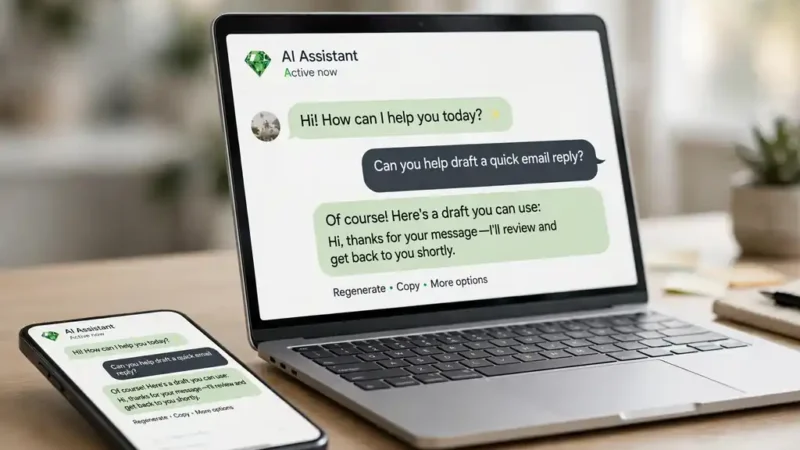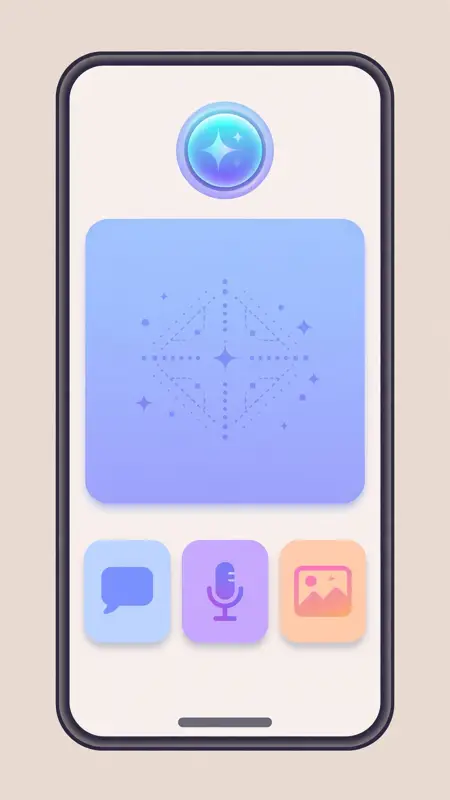
The Meta AI app is the standalone app for Meta AI, launched on 29 April 2025, where you chat with the assistant, generate images and videos, and manage your AI glasses.
Before the app, Meta AI lived inside Facebook, Instagram, Messenger, and WhatsApp. You met it in a chat window. The app gives it a front door. Meta’s own site describes the app and the glasses it manages, and Meta announced the Vibes rollout on its news site. Open it, and the assistant remembers your past chats, knows your preferences, and shows you what other people are making with AI. It is free, it runs on iOS, Android, and the web at meta.ai, and it needs a Meta account.
How to get and set up the Meta AI app
Download the app from the App Store or Google Play, or open meta.ai in a browser. Sign in with your Meta account. The app will ask to connect your Facebook and Instagram accounts so the assistant can personalize answers from your activity. You can skip that step and add it later, but personalization is weaker without it.
Check the sharing settings before you post anything. The Discover feed shows prompts and creations from other users, and early users shared chats without realizing the posts were public. Meta changed the defaults after that, but the check takes ten seconds and saves an awkward surprise.
What the Meta AI app can do
Chat is the core. Ask a question and get a written answer. The assistant searches the web when the question needs current facts, and it cites sources. Ask a follow up and the thread continues. The app keeps the history, so you can pick up a conversation days later.
Voice chat is the second mode. Talk to the assistant while you cook or drive, and it answers out loud. The app also supports live AI, where the camera shows the assistant what you see and it answers about the scene. Point the phone at a plant, a sign, or a broken appliance and ask what it is or how to fix it.
Image tools are built in. Describe an image and the app generates it. Upload a photo and ask for an edit: change the background, restyle it, or remove an object. The app also generates and edits images from a prompt on newer models, and it can turn a photo into a short video clip.
Glasses management is the fourth job. The app pairs with Ray-Ban Meta and Oakley Meta glasses. It stores the photos and videos the glasses take, manages settings, and holds the AI memory the glasses use. If you own the glasses, the app is the remote control.
Vibes: the video feed inside the app
Vibes is a feed of short AI generated videos inside the Meta AI app. Every clip in it was made by AI from a text prompt. You can scroll the feed, create your own video from a sentence, remix someone else’s clip, add music or a style, and share the result to Instagram or Facebook.
Vibes launched in the United States in September 2025 and reached Europe on 6 November 2025. Meta says media generation in the app jumped more than tenfold after Vibes launched, and people have made more than 20 billion images with its AI tools. The feed personalizes over time, learning what you watch and what you skip.
Vibes is the most fun part of the app and the most argued about. Critics call the feed AI slop. Fans treat it as a creative toy that turns a sentence into a video in seconds. Both are true. Use it for play, not for facts. An AI video of a place that never existed looks real, and that is the point and the problem at once.

Meta AI app vs the assistant inside WhatsApp
The assistant inside WhatsApp, Facebook, and Instagram is the same Meta AI, but the app gives you more. Inside WhatsApp you chat in a thread and the assistant answers. In the app you get memory, voice, image editing, the Discover feed, Vibes, and glasses management in one place.
The WhatsApp new features guide covers the app where most people meet Meta AI, and the best AI tools comparison puts Meta AI next to ChatGPT, Gemini, and Claude.
Privacy and safety in the Meta AI app
Meta AI personalization runs on your data. The assistant uses your chats and activity to tailor answers, and since December 2025 Meta uses chats to personalize ads. You can limit memory and personalization in settings, but the defaults favor more data, not less. Check the settings after each app update, because defaults can change.
Voice recordings from glasses are stored in the cloud by default. Meta removed the setting that let owners decline that storage in April 2025. Transcripts and audio can be kept for up to a year to improve products, including model training. That is the price of a voice assistant that learns your voice.
Tips to get more from the Meta AI app
Be specific in your first message. “Plan a three day trip to Lahore for two people with a 500 dollar budget” beats “plan a trip.” The model needs the facts to give a useful answer.
Check the sources. Meta AI cites web pages for current facts. Open the link when the answer matters. A cited answer you never check is no better than an uncited one.
Google AI Mode shows the same habit from the search side, and the Claude vs ChatGPT comparison helps you pick a second assistant for writing and coding.

Frequently asked questions about the Meta AI app
What is the Meta AI app?
The Meta AI app is the standalone app for Meta AI, launched on 29 April 2025. It runs on iOS, Android, and the web at meta.ai, and it lets you chat, use voice, generate images and videos, and manage Meta AI glasses.
Is the Meta AI app free?
The app and the assistant are free. You need a Meta account. Glasses and hardware cost money, but the app itself does not.
What is Vibes in the Meta AI app?
Vibes is a feed of short AI generated videos inside the app. You can watch, create from a text prompt, remix, and share videos to Instagram and Facebook. It launched in the US in September 2025 and in Europe on 6 November 2025.
Does the Meta AI app work without Facebook?
You need a Meta account, which you can create without an active Facebook profile. The app works best when linked to Facebook and Instagram, because personalization uses that activity.
How do I delete my Meta AI chat history?
Open the app settings, find your chat history or memory controls, and delete single chats or everything at once. You can also turn off memory so the assistant stops saving details across chats.
Can the Meta AI app edit photos?
Upload a photo and ask for an edit, or describe an image from scratch. The app generates and edits images, and it can turn a photo into a short video clip.