
Starting a blog can feel intimidating if you’ve never built a website before, but here’s the good news: you don’t need any coding skills to start a WordPress blog in 2026. Thousands of people with zero technical background launch WordPress blogs every single day, and you can too.
WordPress powers more websites than any other platform in the world because it’s free, flexible, and beginner-friendly. In this guide, you’ll learn everything step by step — from picking a niche to publishing your first blog post — in simple language, without confusing jargon. By the end, you’ll have a real, working WordPress blog ready to grow.
What You Need Before Starting a WordPress Blog in 2026
Before you touch WordPress, gather these basics:
- A blog idea or niche (what you’ll write about)
- A domain name (your website’s address, like yourblog.com)
- Web hosting (the “space” where your website lives online)
- A little time (2–3 hours to set everything up)
- A laptop or computer with internet access
You do not need design skills, programming knowledge, or a big budget. Most beginners can start a WordPress blog for under $50 for the first year, covering both hosting and a domain.
Beginner Tip: Avoid free blogging platforms like WordPress.com’s free plan or Blogger if you’re serious about growing your blog — they limit your control, branding, and income potential. Self-hosted WordPress.org gives you full ownership.
How to Choose a Profitable Blog Niche for Beginners
Your niche is the topic your blog focuses on. Choosing the right one saves you months of frustration later.
How to pick a good niche:
- Pick something you know or enjoy — you’ll need to write about it consistently.
- Check if people search for it — use free tools like Google Trends to see interest over time.
- Look for a balance between passion and demand — a niche nobody searches for won’t grow, and one that’s oversaturated (like general “make money online”) is hard to rank in as a beginner.
- Narrow it down — instead of “fitness,” try “home workouts for busy parents.”
Examples of beginner-friendly niches:
- Personal finance for young adults
- Healthy recipes for beginners
- Budget travel tips
- Home organization
- Pet care for first-time owners
Common Mistake: Choosing a niche purely because it seems profitable, without any genuine interest. Burnout happens fast when you don’t enjoy the topic.
How to Register a Domain Name for Your WordPress Blog
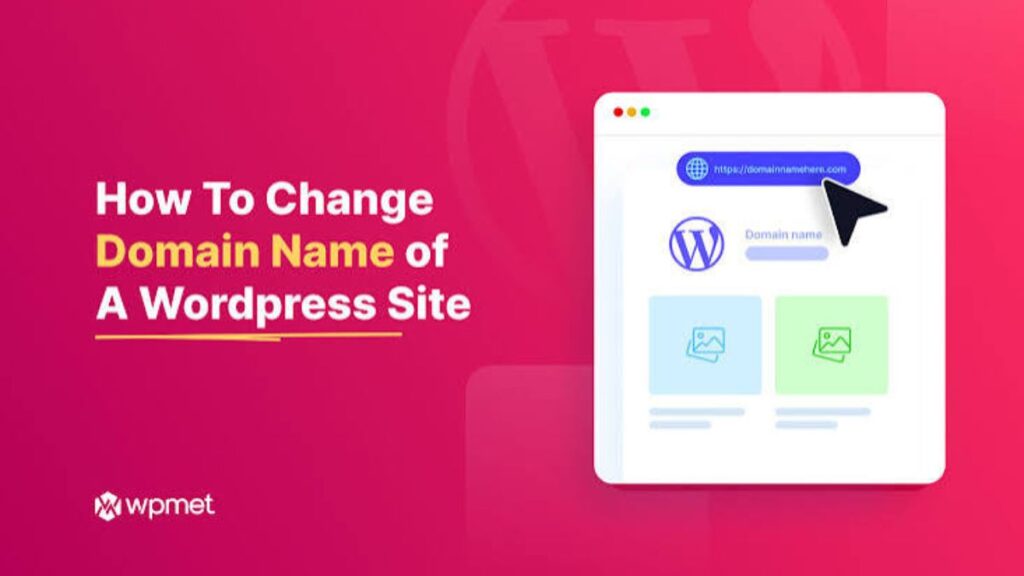
Your domain name is your blog’s identity online — choose it carefully since changing it later is difficult.
Tips for choosing a domain name:
- Keep it short and easy to spell
- Avoid numbers, hyphens, and confusing spellings
- Choose a .com extension when possible — it’s the most trusted
- Make it relevant to your niche without being too specific (so you can expand later)
- Check availability using any domain registrar’s search tool
Steps to register a domain:
- Go to a trusted domain registrar or your hosting provider (many hosts include a free domain in year one).
- Search your desired name.
- Add it to your cart and complete checkout.
- Verify your ownership email when prompted.
Pro Tip: Many beginner web hosting plans include a free domain for the first year — this is often the most cost-effective way to start.
Best Budget Web Hosting for New WordPress Bloggers in 2026
Hosting is where your website’s files actually live. Without hosting, your blog won’t be visible online.
What to look for in beginner hosting:
| Feature | Why It Matters |
| One-click WordPress install | Saves technical setup time |
| Free SSL certificate | Keeps your site secure (https://) |
| 24/7 customer support | Helpful when you get stuck |
| Good uptime (99.9%+) | Keeps your blog online consistently |
| Beginner-friendly control panel | Easier to manage everything |
| Free domain (first year) | Saves extra cost |
Types of hosting for beginners:
- Shared Hosting – cheapest, best for beginners with low traffic
- Managed WordPress Hosting – slightly pricier, optimized specifically for WordPress
- Cloud Hosting – better for scaling later as your blog grows
Beginner Tip: Start with shared or managed hosting. You can always upgrade once your traffic grows — there’s no need to overpay in the beginning.
How to Install WordPress on Your Hosting Step by Step
Once you have hosting and a domain, installing WordPress takes just a few minutes.
Step-by-step installation:
- Log in to your hosting control panel (usually cPanel or a custom dashboard).
- Find the “WordPress Installer” or “One-Click Install” option.
- Choose your domain name from the dropdown.
- Create an admin username and password (avoid using “admin” as your username for security).
- Click Install and wait a few minutes.
- You’ll receive a login link to your WordPress Dashboard.
After installation:
- Log in at yourdomain.com/wp-admin
- Explore the Dashboard — this is your control center for writing posts, managing design, and installing plugins
Beginner Mistake to Avoid: Forgetting to save your login credentials somewhere safe. Many beginners lose access simply because they didn’t write down their password.
Essential WordPress Settings Every Beginner Should Configure First
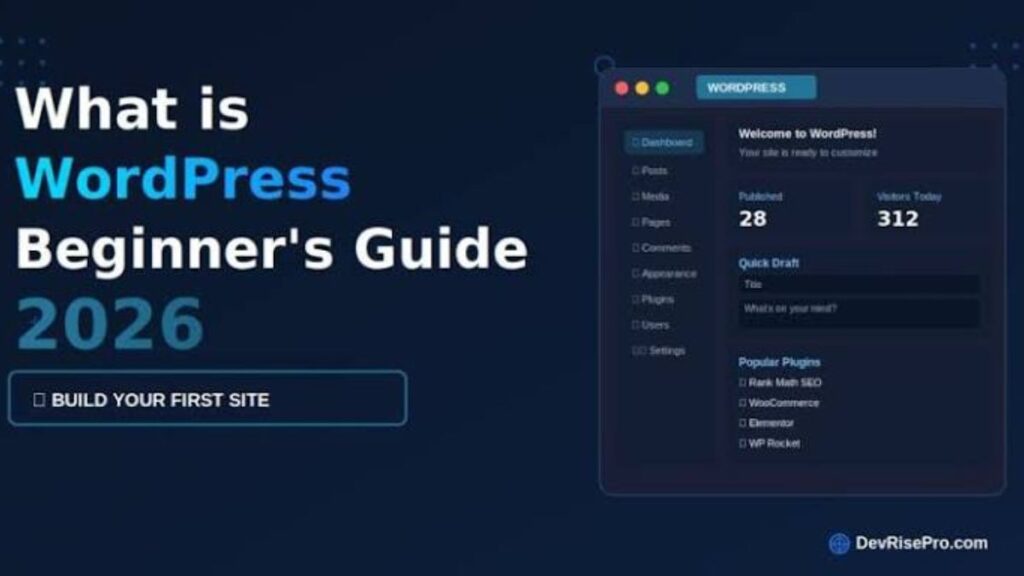
Before writing your first post, adjust these core settings so your blog works correctly from day one.
Settings checklist:
- ✅ Site Title & Tagline — Go to Settings > General and set a clear, memorable title.
- ✅ Permalinks — Go to Settings > Permalinks and choose “Post Name” for clean, SEO-friendly URLs.
- ✅ Time Zone — Set this under Settings > General so your posts publish at the correct time.
- ✅ Discussion Settings — Turn off open comments on old posts to reduce spam.
- ✅ Search Engine Visibility — Under Settings > Reading, make sure “Discourage search engines” is unchecked once you’re ready to be found on Google.
Why this matters: Skipping these settings is one of the most common beginner mistakes — it can lead to messy URLs, wrong publish times, or your blog staying invisible to Google entirely.
How to Choose the Best Free WordPress Theme for Your Blog
A theme controls how your blog looks. As a beginner, a free, lightweight theme is usually the smartest choice.
How to install a theme:
- Go to Appearance > Themes in your dashboard.
- Click Add New.
- Browse or search free themes.
- Click Install, then Activate.
What to look for in a beginner theme:
- Lightweight and fast-loading (avoid bulky, feature-heavy themes)
- Mobile responsive (looks good on phones automatically)
- Good ratings and regular updates
- Simple customization options (colors, fonts, logo, layout)
Customizing your theme:
Go to Appearance > Customize to adjust your:
- Logo and site icon
- Colors and fonts
- Header and footer
- Homepage layout
- Menus and widgets
Common Mistake: Installing multiple themes “just to test” and leaving unused ones active — this slows your site down. Delete any theme you’re not using.
Essential WordPress Plugins Every New Blogger Should Install
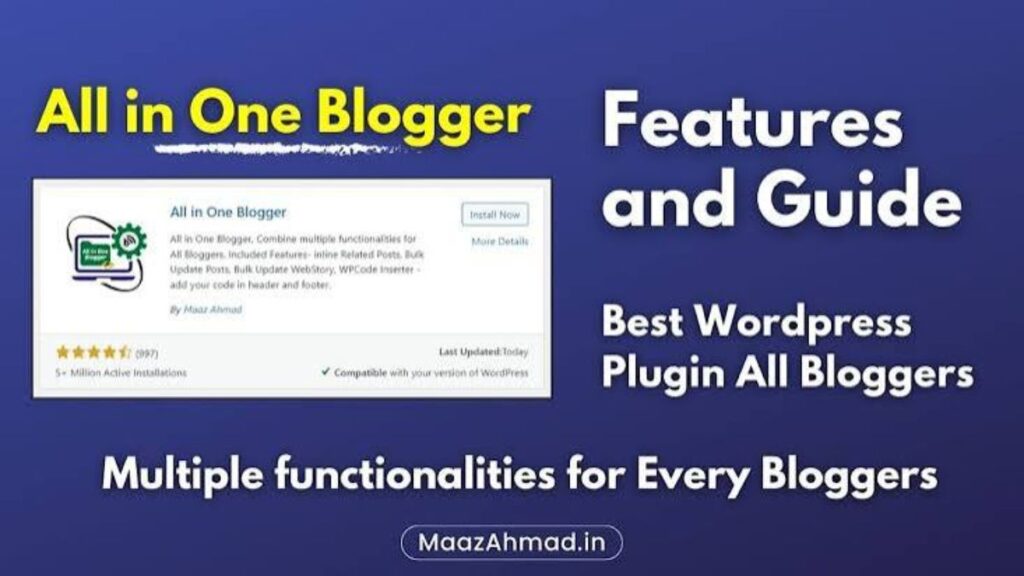
Plugins add features to your blog without any coding. But installing too many can slow your site down, so stick to the essentials.
| Plugin Type | What It Does | Free/Premium |
| SEO Plugin | Helps optimize posts for Google rankings | Free version usually enough |
| Security Plugin | Protects against hacking attempts | Free version usually enough |
| Cache Plugin | Speeds up your website loading time | Free |
| Backup Plugin | Creates automatic backups of your site | Free version usually enough |
| Image Optimization Plugin | Compresses images without losing quality | Free |
| Contact Form Plugin | Lets visitors message you easily | Free |
| Anti-Spam Plugin | Blocks spam comments automatically | Free |
Best Practice: Install only what you actually need — around 5–7 plugins is a healthy number for a new blog. Too many plugins can conflict with each other and slow down your site.
How to Write and Publish Your First SEO-Friendly Blog Post
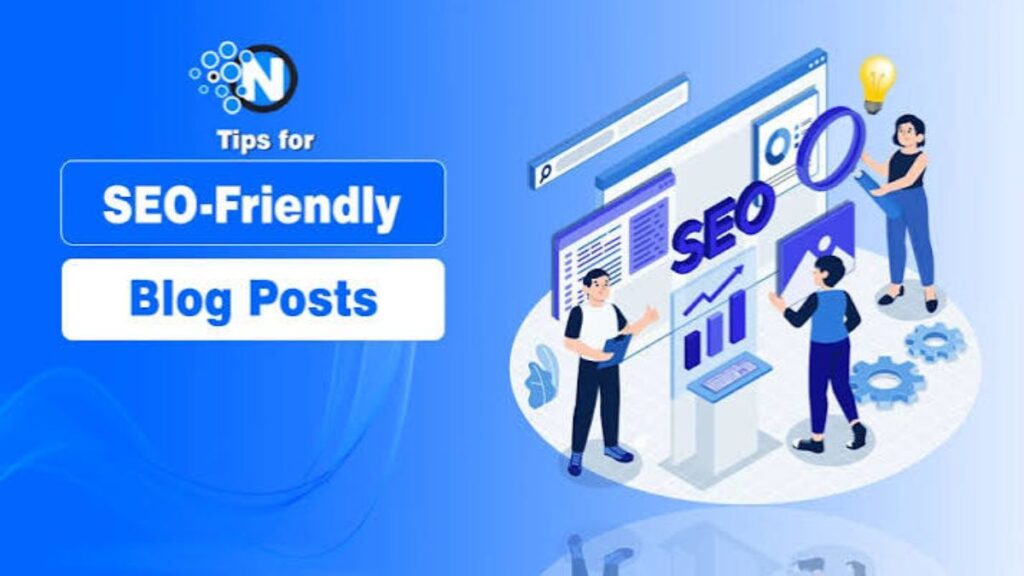
Now for the exciting part — publishing your first post.
Steps to publish a blog post:
- Go to Posts > Add New.
- Write a clear, keyword-focused title.
- Break your content into short paragraphs with subheadings (H2, H3).
- Add one main keyword naturally throughout the post — never force it.
- Add at least one image, with a descriptive file name and alt text.
- Set a category and relevant tags.
- Preview your post to check formatting.
- Click Publish.
Quick SEO checklist for your first post:
- ✅ Keyword in the title and first paragraph
- ✅ Short, scannable paragraphs
- ✅ At least one image with alt text
- ✅ Internal link to another page or post (once you have more content)
- ✅ Clear, simple language
Expert Tip: Write for your reader first, then optimize for Google. Helpful, clear content consistently outperforms keyword-stuffed writing.
Common WordPress Blogging Mistakes Beginners Should Avoid in 2026

Avoid these mistakes to save yourself time, money, and frustration:
- ❌ Choosing free blogging platforms instead of self-hosted WordPress
- ❌ Ignoring website speed — slow sites lose readers and rankings
- ❌ Ignoring security basics like SSL certificates and strong passwords
- ❌ Publishing without proofreading
- ❌ Installing too many plugins
- ❌ Not backing up the website regularly
- ❌ Copying content from other blogs instead of writing original posts
- ❌ Giving up too early — blogging results take consistent effort over months, not days
Warning: Skipping backups is one of the riskiest mistakes. A single technical error can wipe out months of work if you have no backup plan.
Conclusion
Starting a WordPress blog in 2026 is easier than most beginners expect. You don’t need coding skills, a big budget, or years of experience — just a clear niche, reliable hosting, a clean theme, and a handful of essential plugins. By following the steps in this guide, from registering your domain to publishing your first SEO-friendly post, you’ve already covered everything a brand-new blogger needs to launch with confidence. The real key to long-term success isn’t a perfect setup on day one; it’s consistency. Keep publishing helpful content, avoid the common mistakes covered above, and let your blog grow naturally over time. Every experienced blogger started exactly where you are now, with an empty dashboard and a lot of questions. With WordPress handling the technical side, your only job is to keep showing up and writing for your readers. Your blog is live, it’s yours, and the best time to write your next post is right now.
Frequently Asked Questions
Can I make money blogging in 2026?
Yes, through ads, affiliate marketing, or products.
Do I need to know SEO to start?
No, basic SEO can be learned as you go.
What’s the best permalink structure?
“Post Name” — clean and SEO-friendly.
Should comments be enabled?
Yes, but with anti-spam protection.
Is one blog post a week enough?
Yes, consistency matters more than volume.
Do I need a business plan to blog?
No, but having clear goals helps.
Can I switch hosting later?
Yes, migration is possible anytime.